
Install nightly SOGo
apt install dovecot-sieve dovecot-managesieved
auth_username_format = %Ln
Dovecot IMAP
/etc/pam.d/dovecot
auth    sufficient      pam_ldap.so
auth    required        pam_unix.so     nullok
account sufficient      pam_ldap.so
account required        pam_unix.so
session required        pam_mkhomedir.so skel=/etc/skel umask=0022
session sufficient      pam_ldap.so
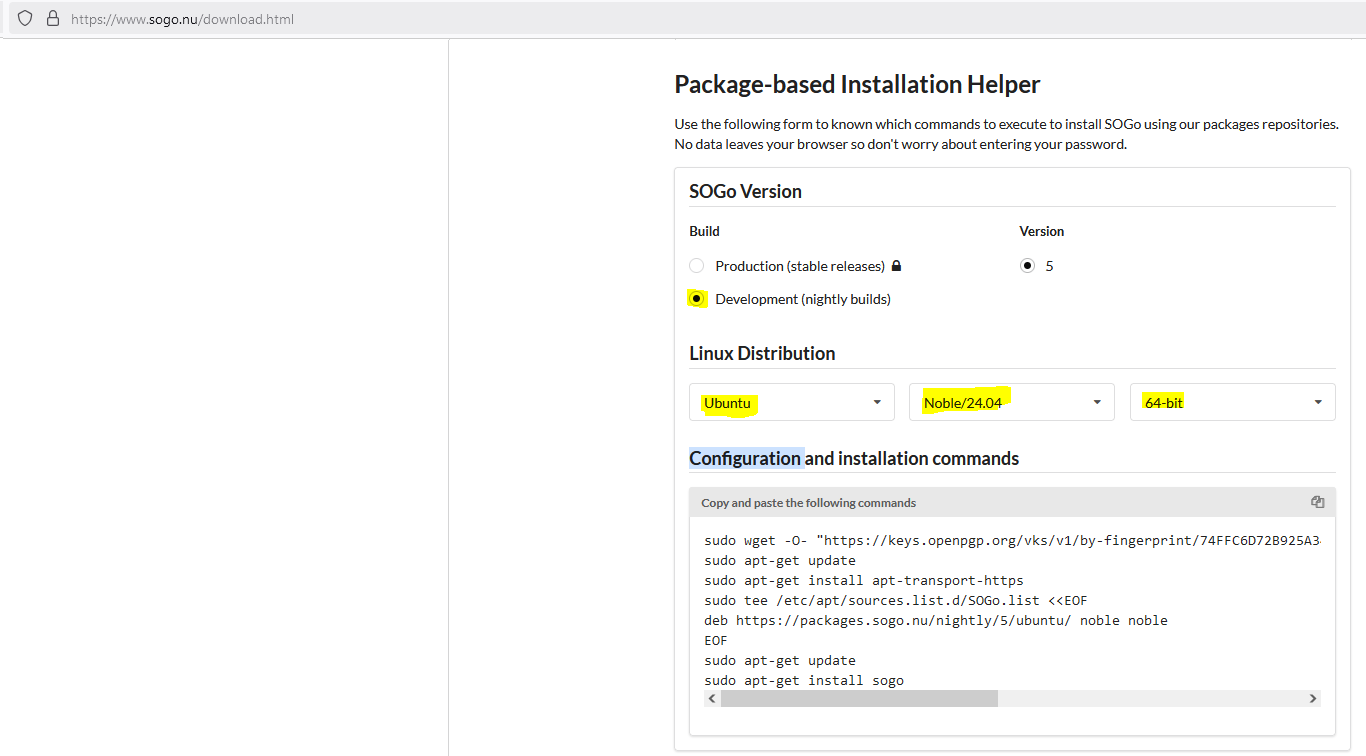
Add Repository
See details here https://www.sogo.nu/download.html
MariaDB
vi /etc/mysql/conf.d/mysql.cnf
[mysql]
default-character-set=utf8

[mysqld]
character_set_server=utf8
character_set_client=utf8

[client]
default-character-set=utf8
mysql
create database sogo;
CREATE USER 'sogouser'@'localhost' identified by '************';
grant CREATE,ALTER,SELECT,INSERT,UPDATE,DELETE on `sogo`.* to 'sogouser'@'localhost';
FLUSH PRIVILEGES;
exit;mysql -D sogo < /root/temp/sogo-5.11.2.20250115/Scripts/mysql-utf8mb4.sql
Info
https://www.sogo.nu/files/docs/SOGoInstallationGuide.html
https://wiki.archlinux.org/title/Dovecot
Imap sync
https://stew.au/musings/using-imapsync-and-ubuntu-22-04-to-ditch-gmail/